Tag Archives: Windows 10

How much RAM does your Windows 10 PC really need?

PC RAM

computer RAM

How much RAM does your Windows 10 PC really need?

1GB.
Microsoft states that Windows 10 32 bit requires at least 1GB of RAM. It is possible to install windows 10 with 1GB however the experience is going to be painful, and i wouldn’t recommend it.  1GB is just barely enough to get the Windows Operating system going.  You might be able to open up a web browser and some applications, but everything will be extremely slow.

2GB
Is the minimum to get windows 10 64 bit up and running.  2GB will get your computer up and running, but your experience will be very similar to running Windows 10 32 bit with 1GB of RAM.  Sure, you can open your web browser like Chrome or Firefox, even get a few tabs opened. You’ll be able to use your favorite word processor and write a proposal, but everything will be running extremely slow. You’ll be frustrated beyond words and you’ll feel like throwing your new computer out the window.

4GB
This is what I consider the bare minimum for Windows 10. If you’re doing basic office work ie: use the browser, check email, and work on word on excel, this will be perfectly fine.  You might even be able to do some work in photoshop and autocad, albeit it will be rather slow.  The difference between 2GB & 4GB is like night and day.

8GB – Recommended
If  you’re an average computer user, who gets frustrated when the brand new computer is running slow, this is the recommend amount of RAM you should be  having installed in your computer. It’s a perfect balance between performance and cost. The extra $50 for additional RAM will be the best money you’ll ever spend on a computer accessory.

16GB and above.
If you’re a serious computer user or do a lot of graphic design, video editing or autocad I probably don’t have to tell you how important RAM is to rendering your work fast.  You’ll be able to run your favorite adobe applications and virtual machines all in a single system.

Windows 10 pro & enterprise supports up to 2TB of RAM, assuming your motherboard can support it.  Windows 10 home is limited to 128GB

Spammers hit new Windows 10 users with ransomware

ransomwareSecurity experts are warning Windows fans not to fall for a new spam campaign designed to trick users waiting for the new version of the OS to open an attachment crammed with ransomware.

Cisco’s Talos team claimed in a blog post that the spam run was a typical attempt to ride the coat tail of this popular event in order to get the attention of as many email recipients as possible.

“The fact that users have to virtually wait in line to receive this update, makes them even more likely to fall victim to this campaign,” they stated.

The spammers themselves have taken several steps to make their emails appear to have been sent by Microsoft, including a spoofed “from” address of ‘update@microsoft.com’ even though the IP address is linked to a machine in Thailand.

The color scheme used throughout the unsolicited message is also very similar to that use by the Windows team, and the attackers have added in both a disclaimer and a message claiming the email has been scanned by anti-virus.

However, they failed to spot several mistakes in the text of the message characters which haven’t parsed properly.

“This could be due to the targeted audience, a demographic using a non-standard character set, or the character set the adversaries were using to craft the email,” Talos claimed.

If a user is tricked into opening the zip attachment to get their copy of ‘Windows 10’ and runs the corresponding executable, they will find their machine made unusable thanks to CTB-Locker.

This crypto-ransomware variant gives users 96 hours to pay a fee or face all of their computer files being lost forever.

It uses elliptical curve encryption which is said to have lower overheads than other types and hosts much of its infrastructure on Tor to avoid detection. Users must make payments in Bitcoins to make tracking even more difficult.

As I have mentioned in previous articles, the threat of ransomware is growing and will continue to grow as long as users give in to the tactics. As a defense, I encourage all users to backup their data in accordance with your companies best practices. Your backups should be stored offline to prevent them from being targeted by attackers.

Windows 10 is here! but are you ready to upgrade

windows_10_logoWait, doesn’t it always make sense to download something for free? Microsoft released its brand-new operating system this week, and you can get it at no cost, but make sure you know exactly what you are getting into before you upgrade.
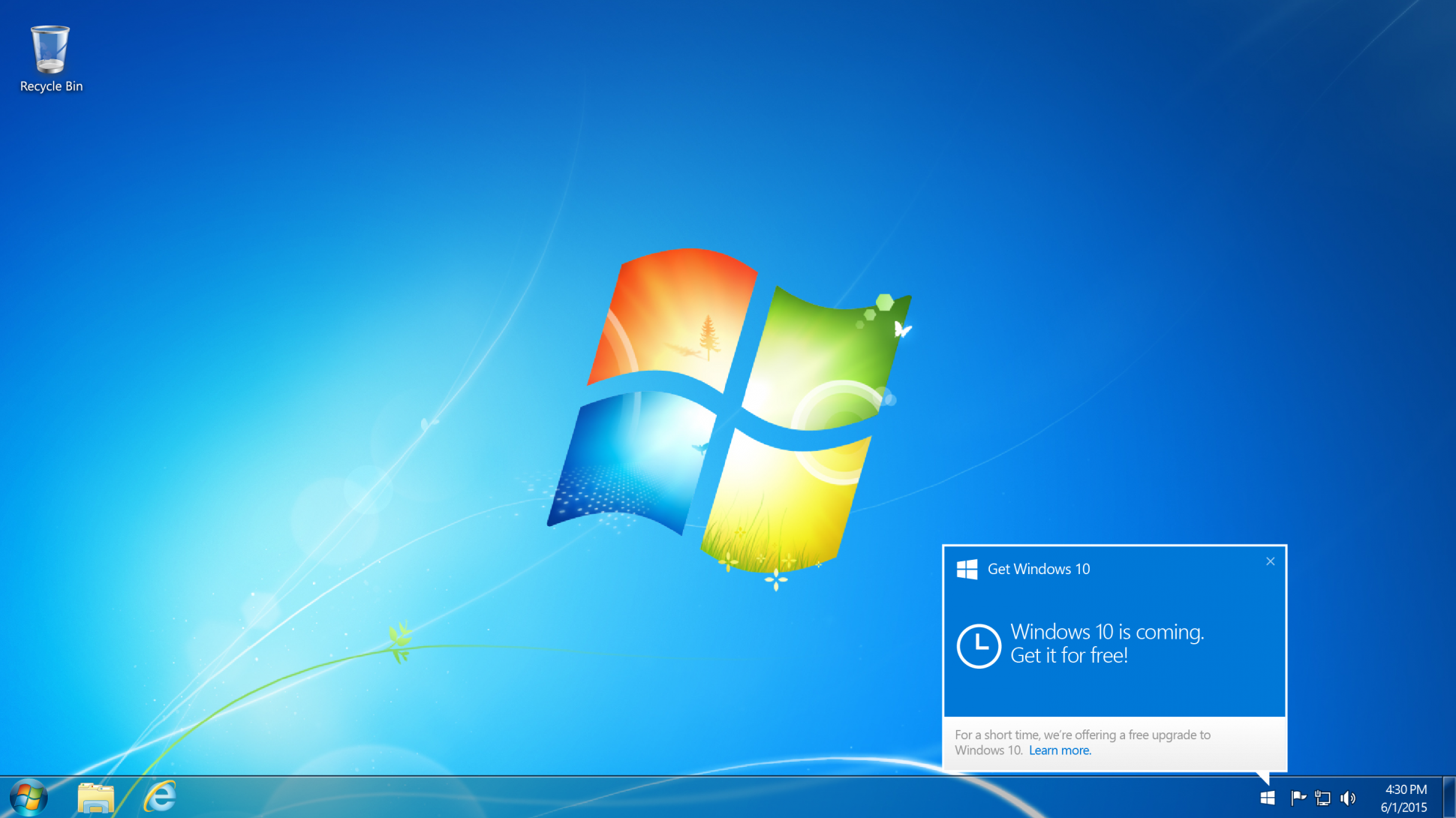
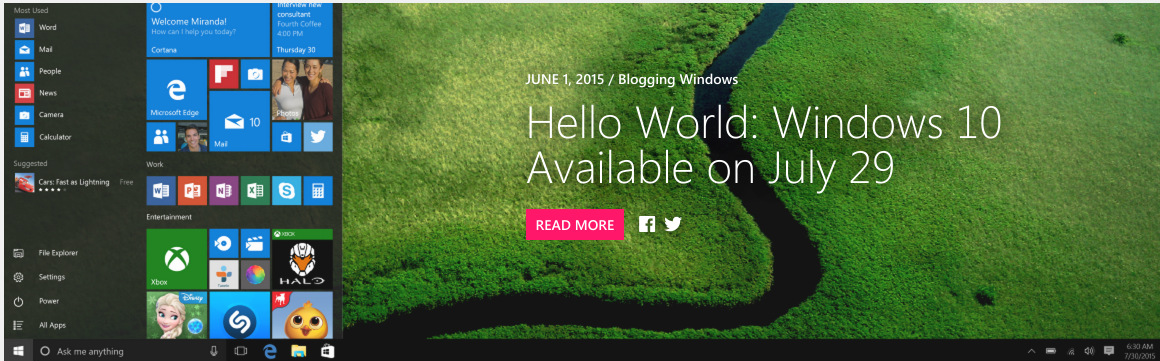
The first thing you should do before making the upgrade is to look closely at the gear you have attached to your computer. I mean closely. You might already know that Microsoft has put great effort into making sure just about every printer and scanner in the known universe will work with the new OS, but what if you own one from an unknown universe? Also, if you have really odd peripherals say, a 3D printer or maybe a drone that needs constant driver updates, think twice about jumping on the download so quickly. Check with the peripheral maker first.

Second, ask yourself some tough questions about why you are updating. Are you an early adopter? It’s definitely less risky than being one of the first people to drive an autonomous car or use a new VR headset when there are so few VR apps. You can expect Chrome to run smoothly (I’m using Google Docs on Chrome running on Windows 10 right now). But any new OS will have some issues. Maybe they are security-related. Maybe your accounting app will crash. Be ready to spend time tinkering and have a good backup plan (and a good backup). At least do the upgrade during a time when you don’t have a load of projects due.

I do most of my work in the cloud these days, and I always have a few computers floating around. It’s an incredibly low-risk upgrade for me. If one of them crashed, I’d grab another, I tend to live on the edge when it comes to computing, but then again, I don’t have to do the payroll for hundreds of employees or develop a marketing brochure using Photoshop by 6 o’clock tonight.

If you get past those hurdles, it’s time for you to think about why the upgrade makes sense. It’s a smarter interface. The Start menu is now located back where it belongs, on the left-corner of the screen instead of taking over your entire screen with tile apps. That means it is easier to use. Before, you had to know where to find simple features like how to turn the computer off. Microsoft has mostly addressed the usability hitches in Windows 8 with this release and it’s getting great reviews.

It’s faster, easier and smarter. It’s also not going to change your world in a million ways. Windows 10 has not made much of a difference in how I work, the apps I use, or the fact that I tend to do most of my work in a browser these days. But there are still some question about whether it will run reliably, and there’s no way to know unless you try it with your apps on your computer for a few days or weeks. It’s pretty tough to go back to a previous OS. Anything new in technology should be assessed for the value it provides to you, not just because it is new, available, free or good.

So in conclusion I am not necessarily saying to skip this release at all. After complaining about Windows 8 over and over again, I will say that Windows 10 is a big step forward in making the OS more user-friendly. I’m happy with the update so far and haven’t have any problems. Your mileage (and tolerance level) may vary. As with any new OS, just be careful before you take that leap of faith.

Windows 10 is now free for everyone

Windows_10_freeOver the weekend Microsoft delivered a bombshell. Windows 10 is now free for anyone who wants it. In short, anyone who installs the latest Windows 10 beta will be upgraded automatically for free to the full Windows 10 Home retail version when it is released on July 29th. This is regardless of whether the previous version of Windows you were running was eligible for the free upgrade or not.

To be more specific Windows XP, Windows Vista, excluded Windows 7 and Windows 8 users and even fake copies of the install Windows 10 beta build 10130 (available from the Windows Insider website) will get a full copy of Windows 10 for free and with no future costs during the lifetime of the platform. So why would Microsoft suddenly make this decision? In my opinion it’s for these reasons:

Reason #1: Perfect PR

Truthfully I believe the move is a marketing win for Microsoft at the perfect moment. Offering more users your latest software for free will only be greeted positively and it reinforces the image of a ‘New Microsoft’ under Satya Nadella that is more progressive and open to the wishes of all customers.

The humiliation surrounding Microsoft after it horrible Windows 8 operating system may well be washed away in an instant.

Reason #2: Establish the Platform

Microsoft needs all the good will it can get at the moment because, basically, Windows 10 is Microsoft’s most important software release in about a decade. If you doubt that just ask yourself why Microsoft is calling it ‘Windows 10’ in the first place?

What makes it so crucial is Windows 10 truly marries both desktop and mobile, and a massive take-up of Windows 10 on PC is crucial if Microsoft is to stand any chance of regaining a foothold in the smartphone and tablet markets. After the relative failure of Windows 8, Windows 10 is all about increasing market share across every possible hardware device and that is more important than profit margins right now to a company with deep cash reserves.

Reason #3: Minimal Cost

For those who do doubt Microsoft’s decision from a financial perspective, I would contend the cost of encompassing Windows 10 to XP and Vista users will be minimal. After all these ageing machines will still need to meet Windows 10’s minimum specification requirements, which will rule out many however see Microsoft retain the moral high ground because the free offer was still there. Of course legitimizing Windows for millions of pirates (illegal downloaders) around the world could be seen as significantly greater lost revenue. But let’s be honest, this revenue was already lost by definition because these customers are pirates. On the other hand giving pirates legitimate copies could well re-monetize this lost group with sales of other apps and services by capitalizing on their goodwill in being made legitimate, so there’s nothing to lose.

Reason #4: A Final Mass Beta Test

By creating the caveat that previously excluded users must install the latest Windows 10 beta to get Windows 10 free, Microsoft will now gain millions of additional testers prior to launch. This should give the company masses of extra data and the potential to fix any outstanding bugs all these new PCs reveal.

Having seen both Vista and Windows 8 buried by buggy launches (despite the fact both were actually strong platforms after several updates) shows how crucial a positive, bug-free launch is. Windows 10 now looks certain to have that.

Reason #5: Security

Extra beta testers not only means a less buggy launch, but the benefit of getting millions more on Windows 10 should also mean users have a safer and more secure platform. This will go a long way to countering Windows’ reputation for viruses and malware.

Even more essential, Microsoft no longer protects Windows XP from new threats and Windows Vista will be cut off in 2017. By contrast Windows 10 should be supported for at least a decade after launch.


Despite all this, I’m sure many will still complain and there is some substance to the main complaints.

For starters the obligation to install beta software on your main computer to qualify for the free upgrade will be a risk many dislike. On top of this Windows 10 launches in just over a month so there isn’t a great deal of time for users to take advantage of the offer. There is also a lack of clarity about several points, including:

  • Can users install the beta after the Windows 10 official release and still qualify?
  • Why make beta installation a step at all?
  • Why only quietly announce this major move within a low profile blog post that millions will miss?
  • Why announce it so late?

Windows_10There will also be many who wonder if this is all part of some master plan by Microsoft to get users onto subscription payments. Personally I don’t believe this will apply to Windows 10, but Microsoft has said its successor (just named ‘Windows’) is going to use a subscription model and there will be suspicions that getting customers on Windows 10 will in some way make it easier to then force them onto ‘Windows’.