
Controlled network configuration for Orange County businesses
Make Switching and Routing Changes From a Known, Recoverable Baseline
Business switches and routers determine how workstations, servers, phones, printers, wireless access points, internet services, and approved network segments connect. A small port change can affect one desk; a trunk, route, or loop-prevention change can affect many dependent systems. Safe configuration therefore begins with ownership, administrative authority, current records, and a clear business requirement.
Apex IT Solutions helps Orange County businesses review and configure supported switching and routing equipment within an agreed scope. Work may include VLANs, trunks, access ports, routing, Power over Ethernet, link aggregation, Quality of Service, access-point connectivity, backups, testing, and documentation. Results depend on the platform, topology, connected devices, and support status; configuration cannot eliminate carrier, cabling, application, endpoint, or wireless dependencies.
Establish Ownership, Access, and the Existing Configuration First
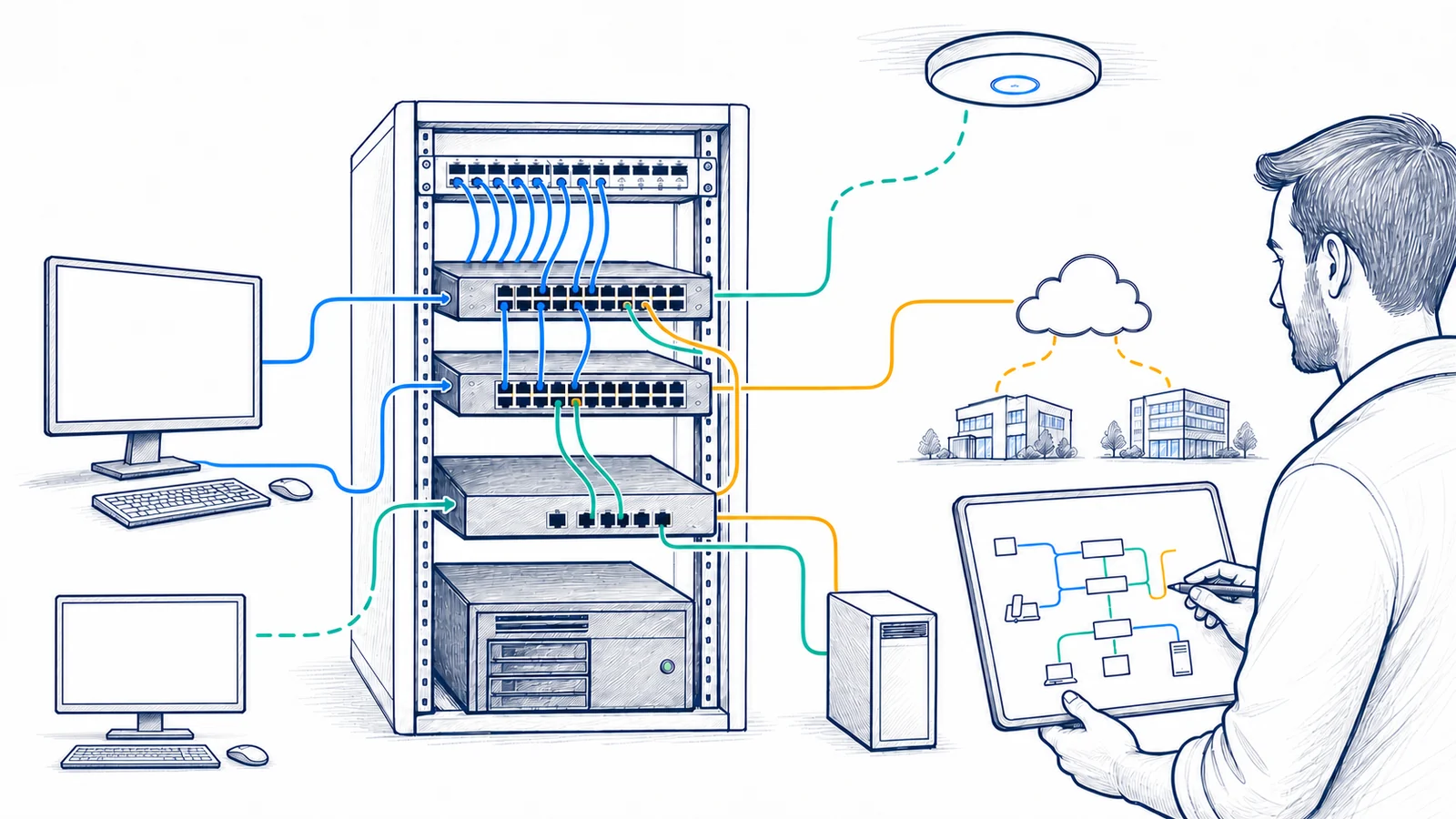
Before changing a device, the project should identify who owns it, who is authorized to approve work, how administration is reached, and whether another provider controls the equipment. Managed carrier routers, leased switches, building systems, and vendor appliances can have contractual or technical boundaries. Apex does not attempt to bypass credentials or obtain access without authorization. Administrative information should be exchanged and stored through an approved secure method rather than placed in a general ticket, diagram, or web page.
An existing-configuration review compares backups, diagrams, port schedules, VLAN records, routes, management settings, and change history with reachable equipment. It may reveal unused ports, unexpected VLAN assignments, broad trunks, old routes, inconsistent names, or undocumented uplinks. Each observation requires validation because an apparently unused setting may support a vendor device, failover path, or occasional workflow.
Device and Support Status
Record make, model, role, serial or entitlement details where needed, software or firmware version, licensing, support status, capacity, and vendor-recommended upgrade path. An available update is not applied blindly; release guidance, compatibility, restart behavior, and recovery options matter.
Administrative Control
Confirm authorized accounts, management paths, responsibility for changes, and recovery access. Shared or unknown accounts complicate accountability. Credential rotation and secure storage may require coordination with the customer or incumbent provider.
Current-State Records
Preserve a supported configuration backup and capture relevant topology, port, VLAN, route, power, and interface information. A backup should be readable and associated with the correct device and time; it is not useful merely because a file exists.
Business Dependencies
Identify internet access, servers, cloud applications, voice, wireless, printers, remote sites, carrier handoffs, and vendor systems that cross the device. Acceptance checks should represent these workflows rather than rely on one connectivity test.
Coordinate VLANs, Trunks, and Access Ports Across the Traffic Path
A VLAN creates a logical Layer 2 segment on supported switching equipment. The useful result depends on consistent configuration across switches, router or firewall interfaces, wireless mappings, DHCP service, and connected devices. Employee, voice, guest, server, management, or approved operational traffic may be separated for clearer policy and reduced unnecessary reach, but a VLAN name alone does not enforce all required security controls.
An access port normally places connected endpoint traffic into the intended VLAN according to the device design. A trunk can carry multiple VLANs between compatible switches, routers, firewalls, hypervisors, or access points. Native or untagged behavior, permitted VLAN lists, tagging expectations, and settings at both ends must agree. Broadly allowing VLANs “just in case” can create undocumented paths; narrowing a trunk without tracing dependencies can disconnect services.
Port configuration also involves negotiation where applicable, interface description, enablement state, supported security features, and endpoint requirements. Phones may pass workstation traffic through a data VLAN while using a voice VLAN. Access points may need a management path and tagged wireless networks. These relationships are design-specific.
Treat Redundant Links, Spanning Tree, and Aggregation as One Design
Layer 2 loops can cause duplicate frames, unstable address learning, and widespread disruption. Spanning Tree features help supported switches maintain a loop-free active topology while preserving selected redundant paths. Root placement, protocol mode, bridge priorities, edge-port settings, protection features, topology changes, and compatibility should be reviewed before adding or moving an uplink. Disabling loop-prevention controls to make a link pass traffic can introduce a larger fault.
Link aggregation combines compatible interfaces into one logical connection when both ends, transceivers, cabling, software, and settings support it. It may add capacity across multiple flows and provide options for some link failures, but one flow may not use all member links. Aggregation does not remove upstream bottlenecks, shared power dependencies, or the need for correct Spanning Tree behavior. Mismatched settings can leave ports blocked or unavailable.
Uplink work should include a physical check. Interface errors can reflect damaged cable, unsuitable optics, dirty fiber, distance, patching, negotiation, or hardware issues rather than a logical configuration defect. A topology diagram and port schedule help distinguish intended redundant paths from accidental loops and abandoned connections.
Verify PoE Capacity and End-to-End Dependencies for Phones and Access Points
Power over Ethernet can supply compatible phones, wireless access points, and other approved devices through network cabling. Planning must consider the device’s required PoE standard, per-port capability, total switch power budget, power-supply arrangement, cable condition, temperature, and startup demand. A switch with enough physical ports may not have enough available PoE capacity for every proposed load. Injectors or midspans introduce their own ownership, placement, power, and documentation needs.
VoIP operation crosses multiple layers: switch ports, voice VLANs, DHCP options where the phone system requires them, DNS, time, call-control or cloud services, firewall policy, internet or WAN paths, and handset configuration. QoS can classify, mark, queue, or shape selected traffic on supported equipment, but policy must be consistent across the path. Priority cannot create bandwidth that is not available, correct packet loss caused by a physical fault, or control a provider network outside the managed scope.
Wireless access points need compatible PoE, wired uplink capacity, intended VLANs, management access, DHCP and DNS, firewall policy, and controller or cloud reachability where applicable. A working radio does not prove that all employee and guest traffic reaches the correct destinations. Switch changes should be coordinated with the wireless owner and tested using representative clients and networks.
Map Routes, Gateways, and DHCP Dependencies Before Readdressing Traffic
Routing moves traffic between IP networks according to connected networks, static routes, or supported dynamic-routing features. A static route identifies a destination and next-hop or exit path, but it also depends on return routing, firewall policy, address translation where used, and reachability of the next hop. Adding a route can expose an unintended path; deleting one can affect remote sites, VPNs, cloud services, management networks, or vendor systems.
For a new VLAN, the default gateway may reside on a router, firewall, or Layer 3 switch according to the approved architecture. DHCP can provide clients with addresses and other configuration information, but broadcasts do not ordinarily cross routed boundaries without an appropriate relay or local service. Scope ranges, exclusions, reservations, gateway information, lease behavior, relay destinations, and service ownership should match the VLAN and addressing plan. Static infrastructure addresses need their own ownership records so DHCP changes do not create conflicts.
Routing acceptance should test both directions and dependent services. A successful ping answers a limited reachability question; it does not prove name resolution, authentication, voice quality, printing, cloud access, or application health. Traceroute and interface counters provide evidence that must be interpreted with firewall behavior, asymmetric paths, and provider boundaries.
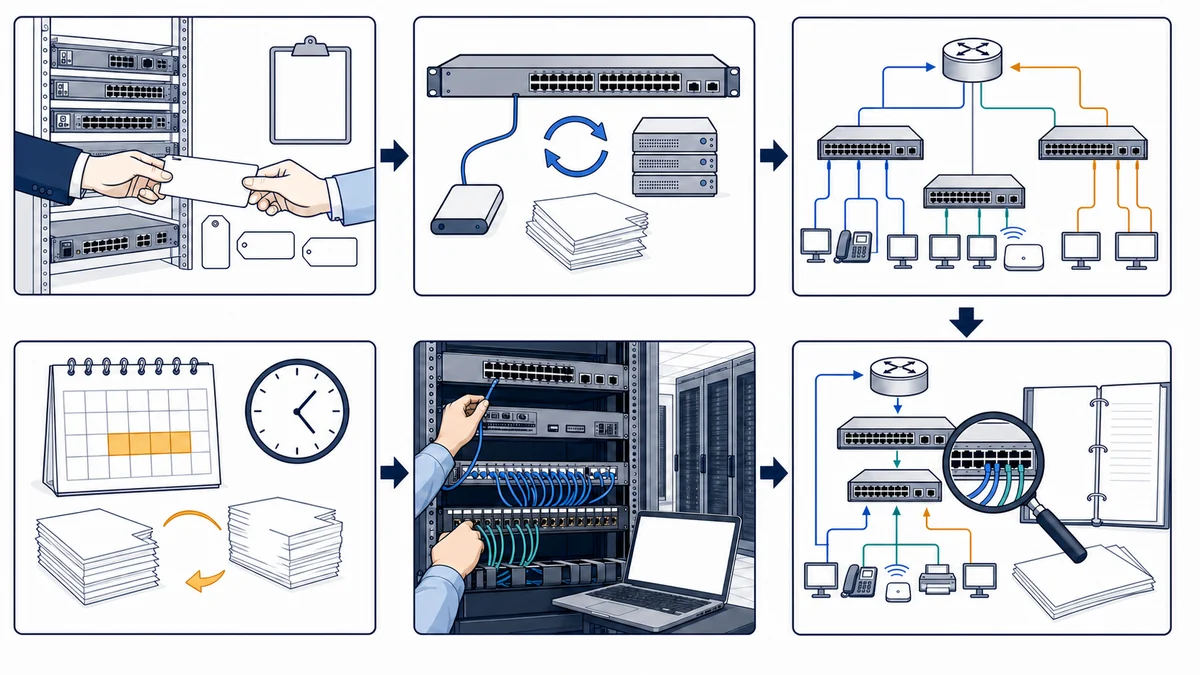
Use a Documented Change Window, Test Plan, and Rollback Path
- Define the request and authority. Record the business need, affected locations and devices, requestor, approver, application owners, vendor contacts, expected effect, and acceptable maintenance window.
- Capture the baseline. Review topology and dependencies, save the supported configuration, record relevant interface and protocol state, and confirm a recovery method appropriate to the platform.
- Design the smallest approved change. Specify ports, VLANs, trunks, routes, PoE, QoS, uplinks, DHCP relationships, expected interruption, test cases, stop conditions, and rollback steps. Resolve ambiguous ownership before implementation.
- Coordinate dependent parties. Confirm carrier, firewall, voice, wireless, server, application, and third-party tasks. Ensure an authorized onsite contact is available when loss of remote management could require physical access.
- Implement and observe. Apply the supported settings in the agreed sequence, compare device state with the plan, and avoid unrelated cleanup during the change window.
- Validate representative workflows. Test intended and restricted VLAN paths, trunks, routes, DHCP, internet and application access, phones, access points, management reachability, uplinks, and logs or counters relevant to the scope.
- Roll back or hand off. If acceptance criteria fail and safe correction is not available within the window, use the planned recovery path where practical. Record final settings, test results, exceptions, configuration-backup reference, and follow-up work.
A configuration backup and rollback plan reduce change risk but do not make every change interruption-free. Some platforms restart, some changes briefly reconverge network paths, and a failed remote change may require onsite recovery. The maintenance plan should state those possibilities instead of promising continuous availability.
Define Equipment, Vendor, and Service Boundaries
A Defined Configuration Scope May Include
- Inventory, ownership, support-status, licensing, firmware, topology, and configuration review
- Supported VLAN, trunk, access-port, Spanning Tree, link-aggregation, PoE, routing, static-route, and QoS changes
- Coordination of DHCP, voice, wireless, firewall, carrier, server, and application dependencies
- Configuration backup, impact review, maintenance-window planning, authorized implementation, and rollback preparation
- Representative connectivity and workflow testing plus updated port, VLAN, route, and topology documentation
It Does Not Automatically Include
- Support beyond the vendors, models, firmware releases, licenses, transceivers, protocols, or connected devices approved in scope
- Hardware, subscriptions, replacement parts, carrier service, third-party engineering, or vendor support fees
- Unauthorized access, credential recovery outside approved methods, or changes to provider-controlled equipment
- New cabling, electrical work, construction, permits, or remediation of unrelated endpoints and applications
- A particular speed, uninterrupted maintenance, universal compatibility, or correction of every performance condition
The customer provides authorized administrative access, accurate priorities, available records, vendor and carrier details, required licensing, decision-makers, and a suitable maintenance window. If equipment is unsupported, inaccessible, damaged, provider-managed, or missing a viable recovery method, the safe next step may be vendor escalation, onsite inspection, replacement planning, or a narrower diagnostic review rather than a direct configuration change.
Switch and Router Configuration for Orange County Workplaces
Apex IT Solutions supports businesses and organizations in Anaheim, Irvine, Santa Ana, Costa Mesa, Fullerton, Brea, Buena Park, and other Orange County locations where service is operationally available. Offices, warehouses, professional facilities, retail workplaces, and multi-tenant sites can have different maintenance constraints, telecom spaces, carriers, applications, and vendor responsibilities.
Remote configuration may be appropriate when a supported device is reachable, access is authorized, a recoverable baseline exists, and physical connections are understood. Onsite work may be needed for an unreachable switch, rack inspection, cable tracing, optics, loop isolation, console access, replacement, or acceptance testing. The method follows the actual business scope rather than a basic device setup.
Switch and Router Configuration FAQs
What should we provide before configuration work begins?
Share the Orange County locations, device makes and models, known ownership, current diagrams and backups, business reason for the change, affected applications, VLAN and addressing information, carriers, wireless and phone vendors, maintenance constraints, and authorized contacts. Provide credentials only through an approved secure method.
Can Apex configure equipment managed by our internet provider?
Only with appropriate authorization and access. A carrier or other provider may retain control of its router, modem, managed switch, software, or portal. Apex can document the requirement and coordinate with the provider, but cannot assume permission or control settings outside the approved boundary.
What is the difference between an access port and a trunk?
An access port commonly connects endpoint traffic to the intended VLAN. A trunk can carry multiple tagged VLANs between compatible network devices or to an access point, server, or other system designed for that behavior. Tagging, permitted VLANs, and settings at both ends must match the approved design.
Can another uplink be added for redundancy or more bandwidth?
Possibly, when the devices, interfaces, cabling or optics, software, and topology support link aggregation or an appropriate redundant path. Aggregation behavior depends on traffic distribution and does not remove upstream, chassis, power, or configuration dependencies. Spanning Tree and settings at both ends must also be considered.
Why does a new VLAN need DHCP and routing review?
Devices need an appropriate IP configuration and a gateway or permitted route to reach other networks. DHCP scopes or relay settings may need to reflect the new segment, while routing and firewall policy determine allowed paths. A switch-only VLAN change can leave clients connected at Layer 2 but unable to reach required services.
Will QoS fix every VoIP quality problem?
No. QoS can classify and prioritize selected traffic on supported managed links, but voice also depends on available capacity, packet loss, latency, jitter, cabling, phones, switches, firewalls, internet paths, and the voice provider. Policy outside the controlled network may differ.
Can switch or router changes be completed without interruption?
Some preparation can occur without affecting production, but firmware updates, restarts, route changes, uplink changes, topology reconvergence, and physical work may interrupt dependent services. The plan should identify likely effects, maintenance timing, backups, test cases, stop conditions, and rollback rather than promise no disruption.
How do we request a switch and router review?
Describe the business problem, site, equipment, current symptoms or planned change, key applications, known vendors, recent changes, and preferred maintenance timing. Request IT Support or call (800) 275-6513 to discuss an appropriate review scope.
Start With the Current Configuration and the Change the Business Needs
Share the Orange County location, supported equipment, known ownership, network records, affected users and applications, desired outcome, vendors, and maintenance constraints. Apex IT Solutions can review the environment, define dependencies and boundaries, and prepare a controlled configuration plan.